New Heights Climbing New Heights Tools
Reference sheets you can keep on a second screen while you hang from a sloper.
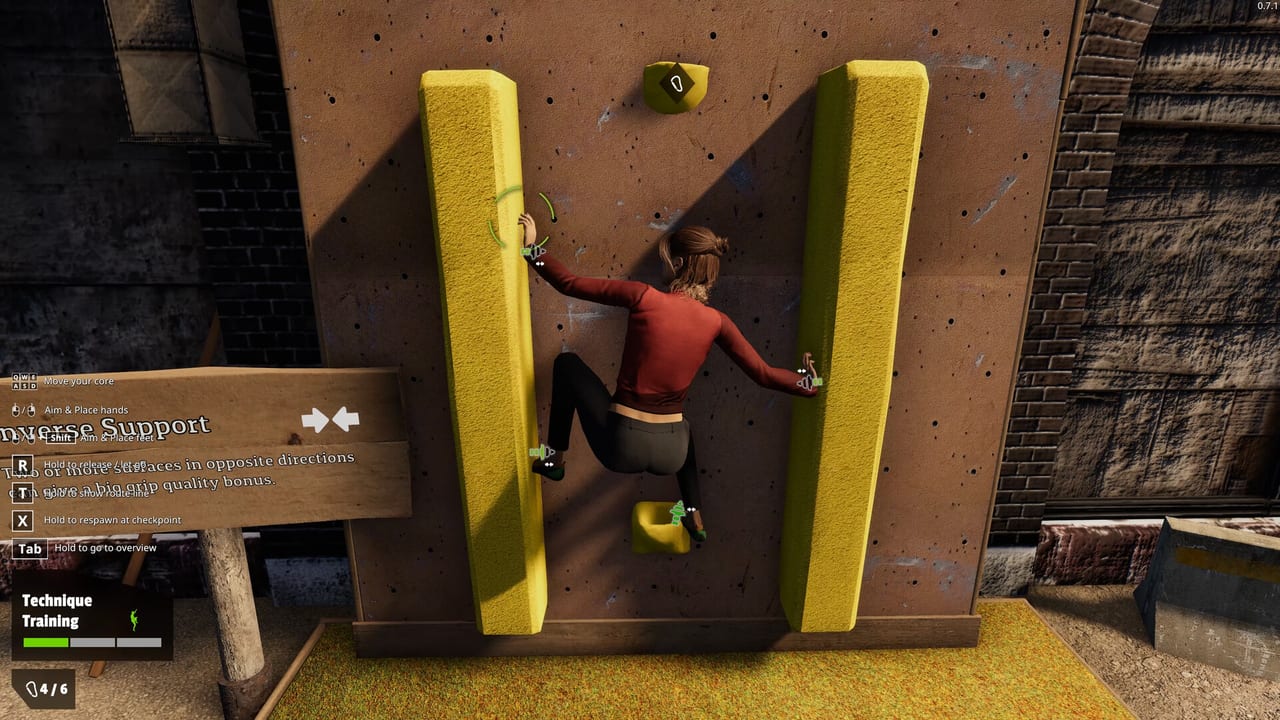
New Heights already has a gym, an overlay, and a Workshop wizard. This hub is the extra paper you wish the pause menu printed. The main sheet is the control sheet. Everything else here is a short reference so you do not alt-tab through five guides mid-crux.
What belongs on a second screen
- Default keys and the arrow colour grammar (control sheet).
- Send-order bands from the route ranking.
- Sector picker from locations.
- Rope loop from belaying if you are on bolts.
You do not need a DPS calculator. You need to remember that R releases and Shift is feet.
Star ladder (quick)
Gym three-stars → outdoor Beginner → Intermediate Font / Casino → a bolted Freÿr pitch → Elite/Pro tags → Hanshelleren as a museum. Full prose is on the ranking page. Do not skip bands because a trailer showed Silence.
Assists versus honesty
Options that change the sim: automatic feet, automatic limb release, automatic camera reset, textureless scan, ghosts. Turn them on while you learn controls. Turn them down when you hunt three stars. Textureless scan is a truth tool, not an assist — it shows the mesh. Ghosts are a beta tool. Automatic feet are training wheels.
Workshop and overlay
Recording keys (F checkpoint / finish, G cancel) sit on the control sheet because people forget them the moment explore mode starts. Overlay (Tab) is the rest of the HUD: stars, timer, boards. Timed mode is a tool; leave it off until the send is clean. See leaderboards.
Print the control sheet, pin the ranking, and climb. If a patch rebinds a default, we update the sheet and note it in patch notes.
How these tools fit a session
Open the gym with the control sheet visible. After the first outdoor travel, keep the route ranking on screen instead — you already know R and Shift, and you now need a sector that matches your stars. On a bolted day, swap in the belay article for the five minutes before you clip. Workshop recording is the only time F and G matter; do not keep that table up during a Font circuit or you will tap checkpoint on a real send.
This hub will not grow a damage calculator, a seed finder, or a promo-code form. New Heights does not have those systems. If a future patch adds a new default key or a new overlay filter, the sheet updates and the updates hub explains why. Until then, the useful tool is still the one that stops you grabbing a red smear because you forgot which mouse button is the left foot.
Frequently Asked Questions
Quick answers to the most common questions.
Is there an in-game training overlay?
The gym prompts list keys on the left. This hub is the expanded version of that list.
Do I need the Unity tool?
Only to ship a new location. Route recording is in-game. See Workshop.
Where is the control sheet?
The control sheet subpage.